Where browsing becomes calm.
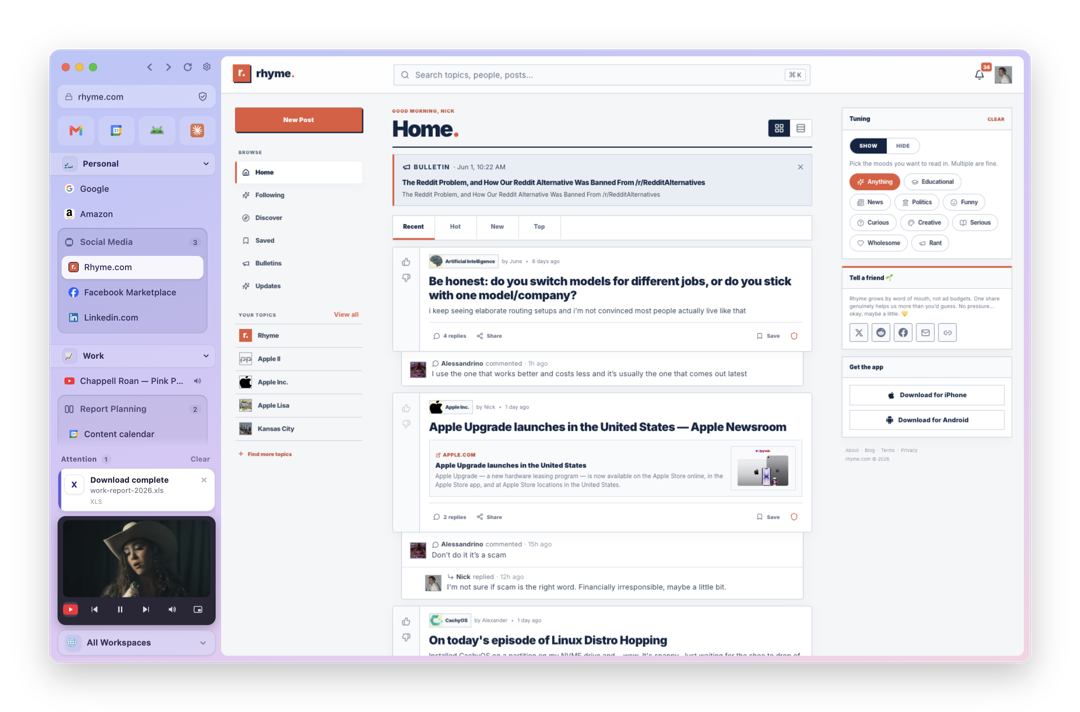
A feature-rich browser that only wants to be a browser. No AI, no notes, no calendar, no inbox.
Scroll to explore
A feature-rich browser that only wants to be a browser. No AI, no notes, no calendar, no inbox.
Workspaces
Personal, work and side projects, each sealed in its own space.
Groups & Splits
Cluster related tabs, then snap them side by side in one view.
Mini Player
Pop any video into a player that follows you between spaces.
Notifications
Downloads and alerts wait quietly until you're ready for them.
“Groups and splits changed how I work. Every project sits exactly where my eyes expect it.”
“The mini player follows me everywhere. Music on, tabs tidy, head clear. It stays out of the way.”
“Work, teaching and personal life live in sealed workspaces. One click and I'm someone else entirely.”
“It never shouts. Notifications wait quietly until I'm ready. That restraint is why it stuck.”
Starter
Perfect to explore Viola with the essentials for everyday browsing.
Start for FreeFeatures
Pro Popular
Every power feature: simulator, splits everywhere, and deep customization.
Upgrade to ProFeatures
Lifetime
Full power with custom options, priority support, and team-ready tools.
Contact SalesFeatures
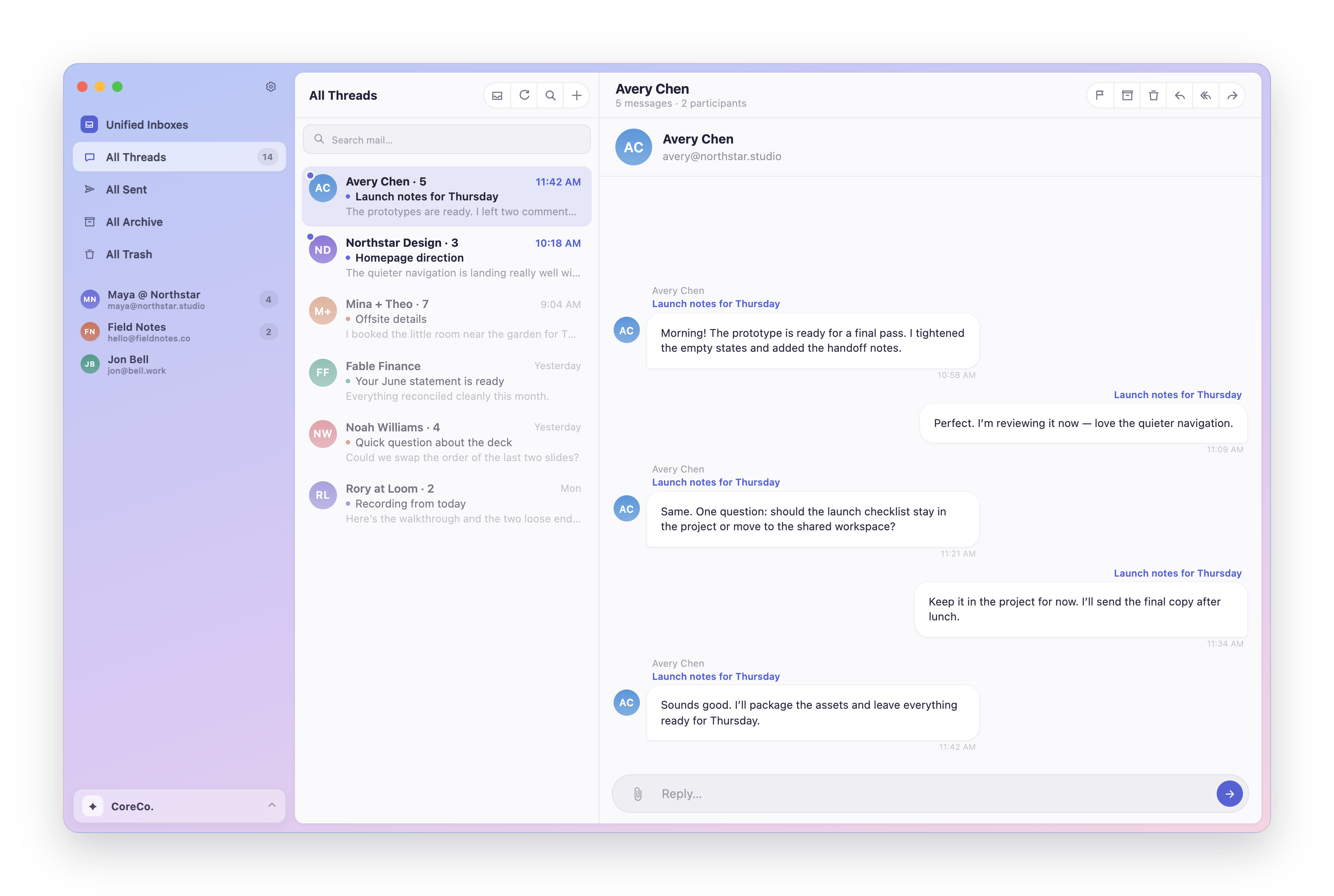
Charlie is our email app: the same restraint, the same quiet defaults, pointed at your inbox instead of your tabs.
Everything worth knowing before you make Viola your everyday browser.
What makes Viola different?
Workspaces, groups, splits and quiet notifications. Calm by default, with fast Chromium underneath.
What can I customize?
Nearly everything: corner radius, spacing, themes and shortcuts, tuned down to the pixel.
Will my extensions work?
Yes. Viola runs on Chromium, so your extensions, logins and web apps work exactly as before.
How do Groups and Splits work?
Group related tabs under one label, then snap any of them side by side for true multitasking.